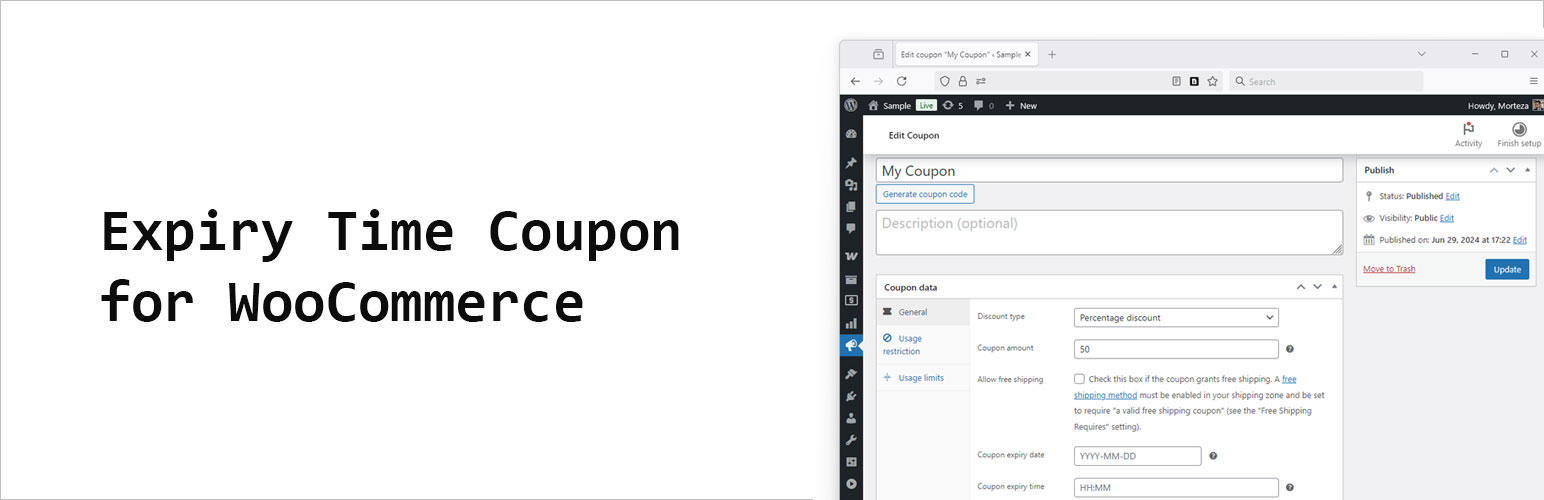

Description
WooCommerce lets you set a coupon « Expiry date » but not an exact time.
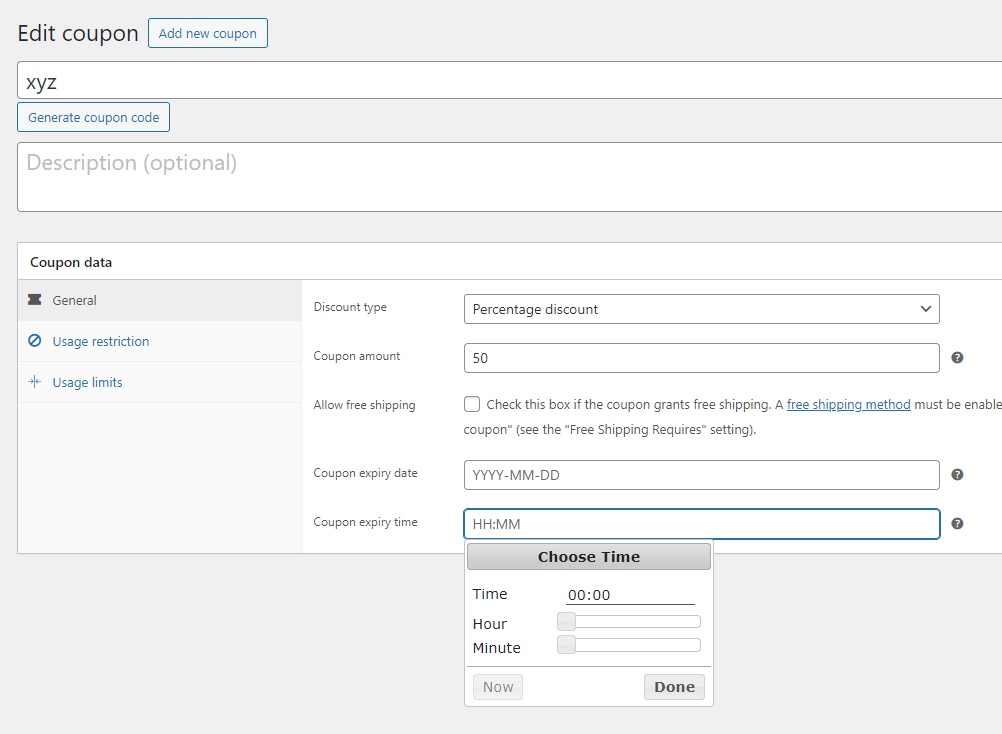
This lightweight plugin adds a « Coupon expiry time » field (HH:MM, 24h) to the coupon edit screen.
When both date and time are set, the coupon will expire on that date at the time you specify.
Key points
* Works alongside WooCommerce’s native coupon expiry date.
* Time is stored internally as seconds since midnight and combined with the date.
* No changes to your theme or checkout templates required.
Usage
- Set Expiry date as usual in WooCommerce.
- Set Coupon expiry time in
HH:MM(24-hour) format, for example17:30. - The coupon will be valid until the combined timestamp; after that, it will be treated as expired.
Captures d’écran
Installation
- Upload the plugin folder to
/wp-content/plugins/or install the ZIP via Plugins Add New Upload. - Activate Expiry Time Coupon for WooCommerce.
- Edit or create a coupon in Marketing Coupons, set an Expiry date and a Coupon expiry time.
FAQ
-
Do I have to set both date and time?
-
No. If you don’t set a time, WooCommerce’s default date-only logic applies. If you set a time without a date, the time is ignored.
-
What if my admin doesn’t have a time picker UI?
-
The field accepts a simple
HH:MMstring. If a time picker is available in your admin, it will be used; otherwise you can type the time. -
Does this affect performance?
-
No. It only adds a small check during coupon validation.
Avis
Il n’y a aucun avis sur cette extension.
Contributeurs & développeurs
« Expiry Time Coupon for WooCommerce » est un logiciel libre. Les personnes suivantes ont contribué à cette extension.
Contributeurs
Traduisez « Expiry Time Coupon for WooCommerce » dans votre langue.
Le développement vous intéresse ?
Parcourir le code, consulter le SVN dépôt, ou s’inscrire au journal de développement par RSS.
Historique des changements
1.0.0
- Initial release: add time-of-day to coupon expiry.