
Description
aGo Cleanup gives you a single screen with 13 toggles to disable WordPress features and scripts you do not need. The plugin enables a set of safe defaults on first activation, and you can fine-tune each toggle in 4 sections: HTML head cleanup, Scripts & styles, Security hardening, and Other.
Every toggle ships with a 1-line summary visible at a glance, plus an expandable « More info » block that explains how it works, why it matters, and any caveat before flipping the switch. No guesswork.
Toggles included
HTML head cleanup:
- WordPress version meta tag and RSS feed version.
- Windows Live Writer manifest link.
- RSD link.
- Shortlinks (
?p=123). - RSS feed auto-discovery links (optional).
Scripts and styles:
- Emoji fallback script and styles.
- oEmbed discovery and embed JS.
- jQuery Migrate on the frontend (optional).
- Dashicons for non-logged-in visitors (optional).
- Block editor global styles when you do not use Gutenberg (optional).
Security hardening:
- XML-RPC (an endpoint often used for brute-force login attempts).
- Public REST API for unauthenticated users (optional, blocks user enumeration).
Other:
- Self-pingbacks (no more auto-comments on your own posts).
All toggles are reversible: untick the switch and changes save automatically. No external services, no remote calls, no telemetry.
External services
This plugin does not call any third-party service or external API. All operations happen locally on your WordPress installation, by adding or removing standard WordPress filters and actions.
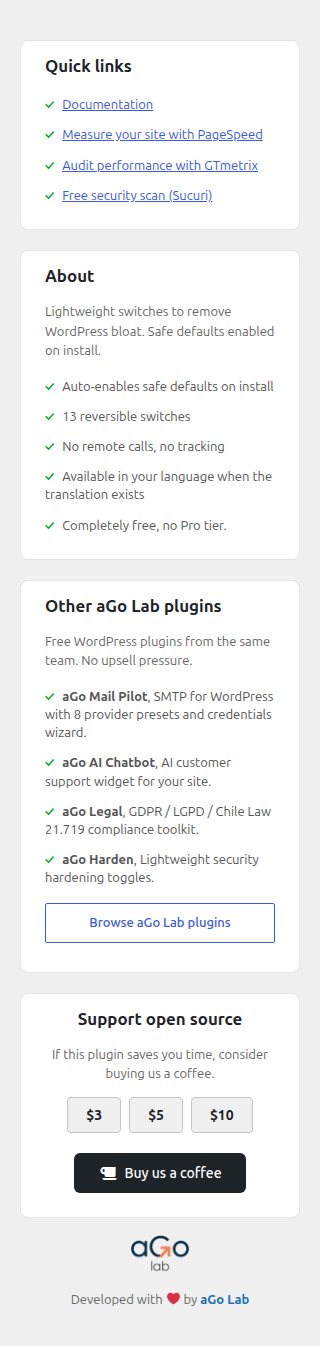
The « Quick links » card in the admin sidebar links to public third-party tools (Google PageSpeed, GTmetrix, Sucuri SiteCheck) for the convenience of the administrator. These are plain external links, opened in a new tab. The plugin does not send any data to those services.
Privacy
aGo Cleanup does not collect or transmit any data. It stores only one option in the wp_options table under the key agocleanup_settings, containing the toggle states. No custom database tables are created. Deactivating the plugin does not delete the stored option. Uninstalling the plugin deletes it.
Captures d’écran


Installation
- Upload the
ago-cleanupfolder to/wp-content/plugins/or install via the Plugins screen and upload the zip. - Activate the plugin through the Plugins menu in WordPress.
- Go to aGo Tools, then Cleanup.
- The safe defaults are already enabled. Use the toggles to fine-tune.
FAQ
-
Will this break my site?
-
No. Each toggle removes an optional WordPress feature. The defaults enabled on activation are conservative (head meta, emojis, XML-RPC, self-pingbacks). The toggles marked with caveats (block REST API, remove jQuery Migrate, drop Dashicons, drop block editor styles) are off by default and explain what to test before enabling.
-
Does it affect my admin?
-
Most toggles affect only the frontend output and the public REST API. The wp-admin area keeps working in full.
-
Why are the « recommended » toggles enabled automatically?
-
Because the recommended set is safe for the vast majority of WordPress sites. You can flip any of them back off, or hit Reset to start from zero.
-
Does the plugin send any data to a third party?
-
No. Zero outbound network traffic. No telemetry, no usage stats, no remote configuration. The plugin only adds and removes WordPress hooks locally.
-
Is there a way to switch the plugin language?
-
The plugin uses your WordPress site language. Translations are contributed through translate.wordpress.org, and the screen shows in English until one exists for your language.
Avis
Il n’y a aucun avis sur cette extension.
Contributeurs & développeurs
« aGo Cleanup » est un logiciel libre. Les personnes suivantes ont contribué à cette extension.
Contributeurs
Traduisez « aGo Cleanup » dans votre langue.
Le développement vous intéresse ?
Parcourir le code, consulter le SVN dépôt, ou s’inscrire au journal de développement par RSS.
Historique des changements
1.0.0
- Initial release.
- 13 toggles across head cleanup, scripts and styles, security hardening and other.
- Safe defaults seeded on first activation.
- Auto-save on toggle change.
- Apply recommended / Enable all / Reset shortcuts.